Every receipt, filed for tax time
Dossier organizes receipts, tax slips, and documents for your Canadian tax return. Capture or import a document, review the details read on your device, and find your records when tax time arrives. On Android, iPhone, iPad, and Mac.


Android 8.0+, iOS/iPadOS 18+, or macOS 15+. Compatibility and sync details.
Read on your device · Checked against CRA rules · Filed to its line
A dossier, not a shoebox
Receipts pile up all year — then tax season asks which ones count, what the CRA will accept, and where each belongs. Dossier answers as you go.
Capture anything
Scan with the camera, or bring in photos, PDFs, and files. It all becomes one tidy dossier.
Read on your device
On-device text recognition finds the payee, date, and total. You can review and correct every detail.
Checked against CRA rules
Each receipt is checked for what the CRA looks for, then filed to its T1 line.
No account, no cloud AI
Documents are stored on your device. iCloud on Apple devices and Google Drive backup on Android are available through your own account.
Capture. Read. Check. File.
On Android and Apple devices, Dossier reads documents on device, identifies details, and flags information to review. You stay in control.
Capture
Point the camera at a receipt — or import photos, PDFs, and files. Auto-crop and deskew included.
Read
On-device reading extracts the vendor, date, total, sales tax, and identifiers like a charity's registration number.
Check
The receipt is checked against published CRA documentation rules. When unsure, Dossier says “needs attention” — with reasons.
File
It's matched to its T1 line and stamped Captured. Come tax time, export everything as a single ZIP — CSV plus originals.
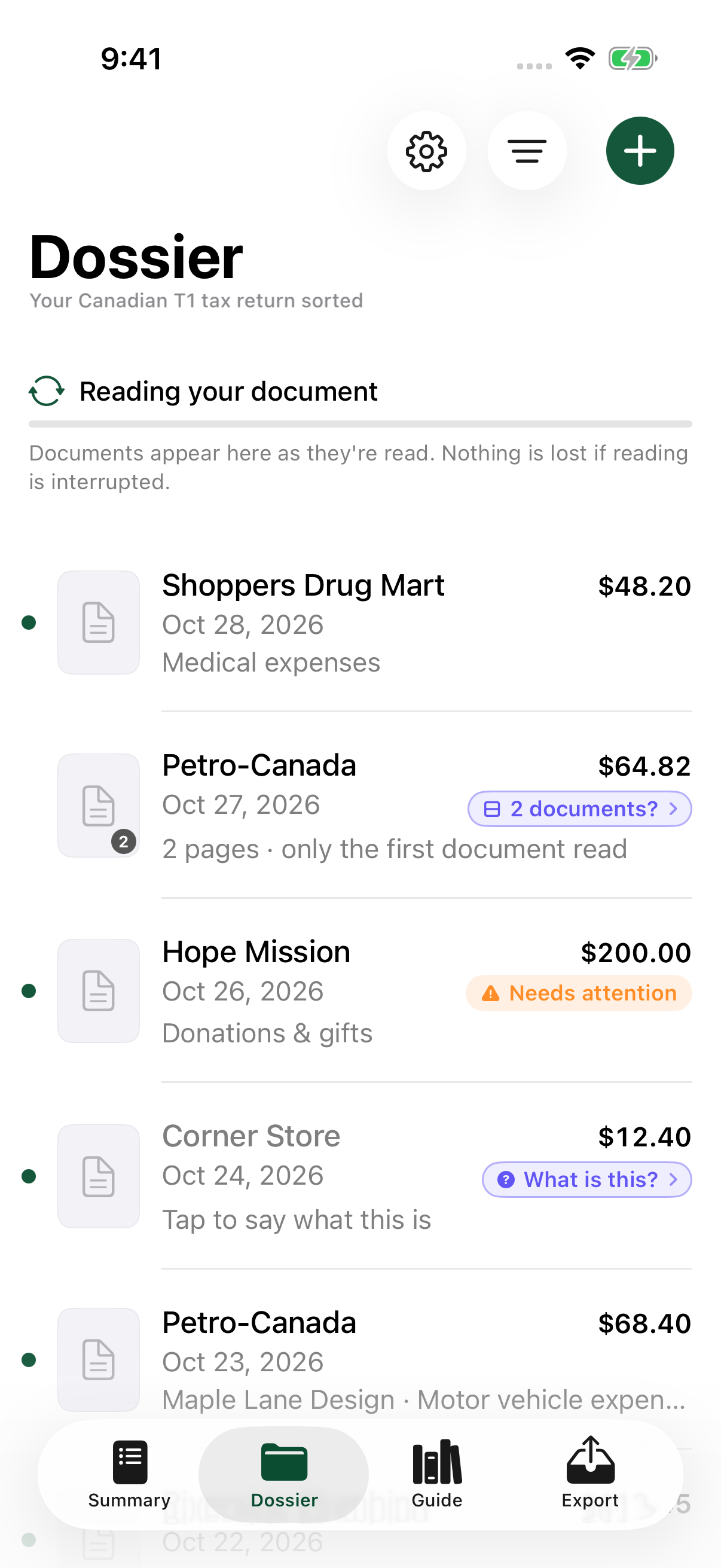
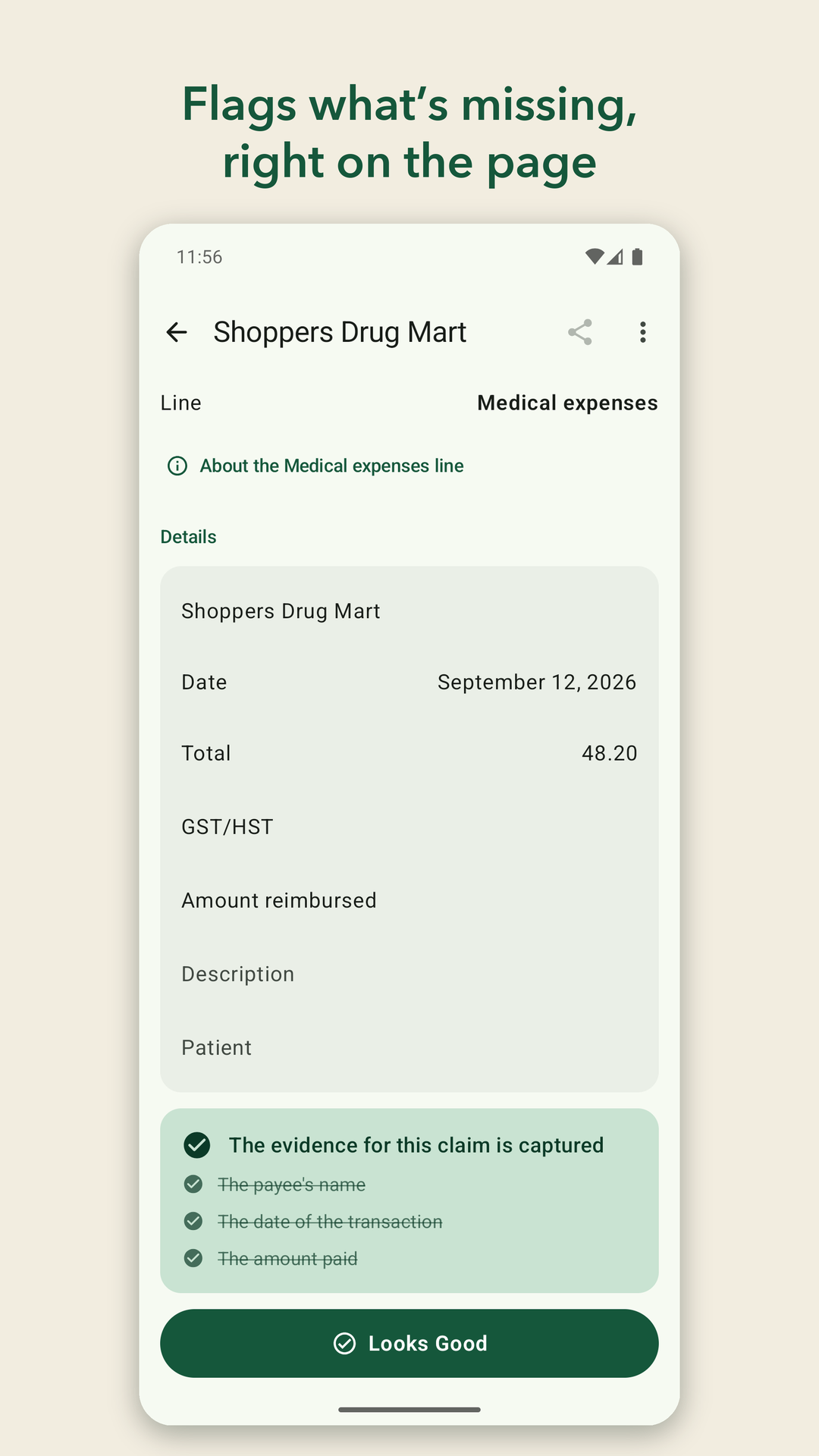
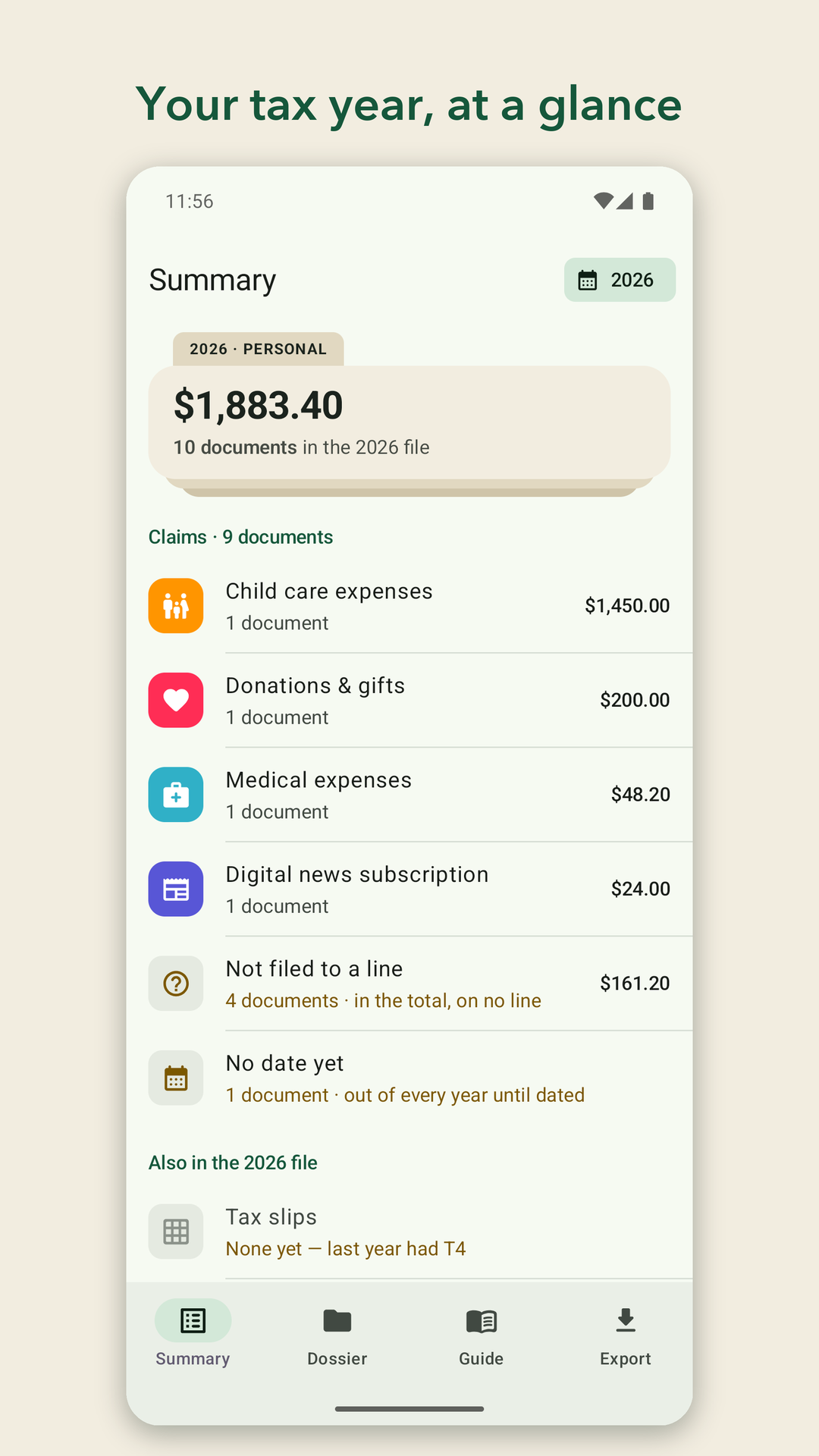
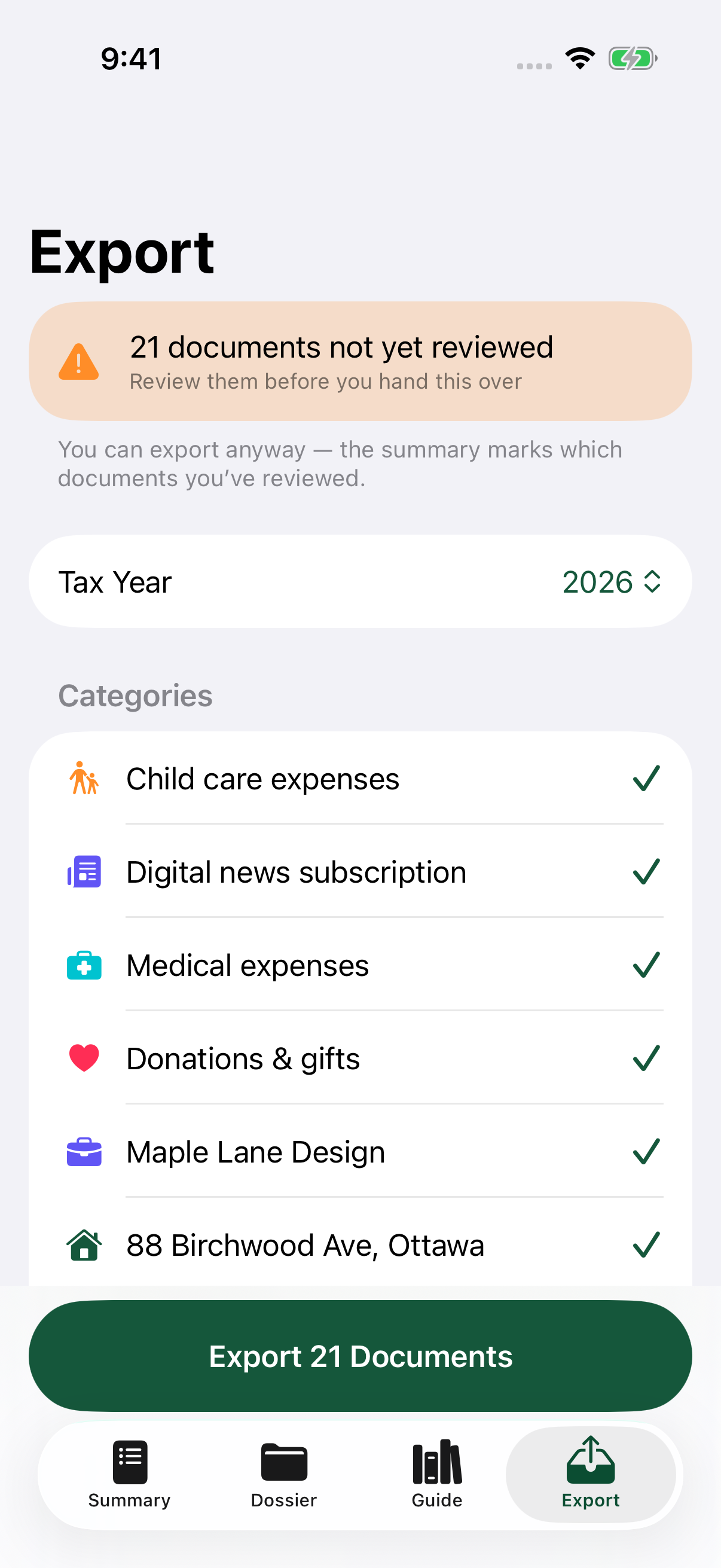
Real app screens with sample documents. Select an image to view it full size.
Your business. Your rental properties.
Business and rental expenses have their own folders and categories, alongside your personal tax receipts.
Business expenses · T2125
Capture self-employed receipts, organize them by activity, and keep the evidence behind each expense category.
Explore business expenses →Rental property expenses · T776
A folder for each address, expenses in their T776 categories, and rent received kept separately.
Explore rental expenses →The whole T1, one tidy dossier
Behind every scan is a map of the entire return, built from the CRA’s own pages for all 129 T1 lines — which ones a receipt can support, what that receipt must show, and which slip box feeds the rest.
Income
30 linesSlip-driven, not receipt-driven. Dossier’s slip map covers the T4 family, T5s, T3, T2202 and more — 240+ boxes, each routed to its line.
Deductions
30 linesWhat comes off your income — and the paper trail each line expects, from an RRSP contribution receipt to a mover’s invoice.
Non-refundable credits
35 linesThe receipt-heavy heart of the return — medical, donations, tuition, home accessibility. Where a good scan matters most.
Refundable credits & payments
17 linesMoney back even with no tax owing — the Canada training credit, multigenerational home renovations, teachers’ school supplies.
Every line is getting its own field guide — what the CRA expects on the paper, who can claim, and how long to keep it. The 17 lines the return calculates for you are mapped too.
Browse the tax-line index →Privacy isn't a feature. It's the architecture.
Your receipts are financial and medical records. Dossier was built so that nobody — including us — can read them.
On-device reading
Text recognition and extraction rules run on your device. Apple Intelligence can enhance reading on supported Apple devices; it is not required to use Dossier.
Your documents, your storage
Use iCloud between your Apple devices or Google Drive backup on Android. These services use your own account and do not sync Android directly with iOS.
Private by design
No Dossier account, advertising, tracking, or custom analytics in this release. See our privacy policy for details about storage and platform services.
Tax time, already filed.
Start your dossier today — the receipts you scan now are the ones you won't be hunting for in April.